Skip to content

Inbox relief, on autopilot

Make room for the emails that matter.

Your inbox doesn't need more rules. Organize Email quietly sorts Gmail and Outlook, pulls out today's flights, bills and parcels, tracks your spending — and brings the important stuff forward.

4.4 on Google Play·10K+ downloads

Loved by people who'd rather not manage email all day.

9:41

Monday, 9 Nov

Good morning, Riya

Here's what needs you.

Your focus

6 important emails

Everything else is already sorted.

Jobs 3Finance 2Shopping 4
  • Interview moved to 3 PMTalentHub · 12 min ago
  • Your flight itinerarySkyJet · 1 hr ago
  • Electricity bill due today₹1,840 · PowerGrid
  • Gmail
  • Outlook
  • Android
  • iPhone
  • Web (soon)
  • Claude
  • ChatGPT

All together. Finally.

A better email rhythm

From “where do I start?” to “that was easy.”

  1. 1

    Connect your accounts

    Sign in with Google or Microsoft. No new email address, no password stored — just your existing inbox.

  2. 2

    Let the sorting happen

    Jobs, Finance, Shopping, Social and more fall neatly into place, and today's essentials rise to the top.

  3. 3

    Focus, reply, done

    See what matters, clear the rest in a tap, and get on with your day. Most people are done in minutes.

Smart categories

The right email finds you.

Instead of building filters and labels, open a ready-to-use view shaped around what each message is about — across every account you connect.

  • Drag and pin your favourite categories to the top
  • See unread counts at a glance
  • Search every account together, in plain words
  • Workspaces for personal, work and side projects

Day at a glance

Your day, before you ask.

The first screen you see isn't an inbox. It's today — the flights, meetings, parcels and bills hiding in your mail, lined up in order.

  • Bills, meetings, travel and deliveries in one timeline
  • A Missed section for anything that slipped by
  • Amounts, times and meeting links right on the card
  • Important emails summarised, ready for a reply

Monday, 9 November

Today

  1. 06:40FlightBLR → DEL · Gate 23Boarding 6:10 AM
  2. 11:00MeetingDesign reviewJoin link ready
  3. By 7 PMDeliveryShopKart parcelOut for delivery
  4. TodayBill dueElectricity · ₹1,840PowerGrid

Missed

Mobile bill · ₹499 was due yesterday

Expenses & card bills

Know where the money went. Before the bill does.

Every UPI debit, card swipe and bill already lands in your inbox. Organize Email reads those alerts and turns them into a monthly picture — no bank login, no SMS access.

  • Monthly spending with a 6-month trend
  • Category breakdown you can drill into
  • Statement amount, due date and minimum due for each card
  • Current-cycle spend, so the bill is never a surprise

November · where it went

₹31,650

+18% vs October

  • Shopping₹21,300
  • Food₹6,120
  • Bills₹4,230
•••• 4417

Statement

₹12,400

Due 14 NovMin. due ₹620

This cycle so far

₹3,250

Card •••• 4417 · 9 days left

Cleanup & one-time codes

Less noise. Faster codes.

Unsubscribe from the senders you never read, and stop digging through mail for the OTP you need right now.

Unsubscribe in bulk

See who floods your inbox, pick the ones to drop, and unsubscribe from all of them at once. Clear old promotions in the same pass.

Your OTP, without opening the email

On Android, the code shows up right in the notification. Tap the box, it's copied — paste and carry on with checkout.

Threads that read like chats

Sent and received clearly separated, attachments one tap away.

AI summaries

Long threads boiled down to what was said and what you need to do.

Notifications that matter

Real-time alerts for important mail across every account.

Workspaces

Keep personal, work and side-project mail in separate spaces.

Drag & pin

Put the categories you live in right at the top.

16 languages

English, Hindi, Bengali, Tamil, Telugu, Marathi and 10 more.

New · AI assistant connector

Your inbox, inside Claude and ChatGPT.

Add Organize Email to your AI assistant once, then just ask. It answers from your real mail using the same engine as the app — read-only, and your mail is never saved.

  • “What's on my day?”
  • “How much did I spend on food?”
  • “When is my card bill due?”
  • “What's my latest OTP?”
Set it up in a minute

Get Organize Email

One inbox. Every device.

Start on your phone, ask from your AI assistant — and soon, pick up right where you left off on your laptop.

Android

4.4 · 10K+ downloads

The full app, including OTP copy straight from notifications.

Get it onGoogle Play

iPhone

New · iOS 17 or later

Built natively for iPhone — AI sorting, your day at a glance, expenses and cleanup.

Download on theApp Store

WebComing soon

Launching soon

Your sorted inbox on any laptop, nothing to install. We're putting on the finishing touches.

Web appComing soon

Claude & ChatGPT

Connector · Gmail

Ask about your day, spending, bills and OTPs from your AI assistant.

Connect →

Privacy & security

Private by design. Checked by Google.

Email is the most personal data you have. We built Organize Email so that most of the thinking happens on your phone, and the rest follows Google's strictest rules for user data.

Sorted on your phone

Categories, expenses, card bills and your daily view are worked out on your device.

Verified by Google

Our Gmail access is Google-verified and independently security-assessed (CASA).

Never sold. Never trained on.

Your mail isn't used for ads, isn't sold, and is never used to train AI models.

You hold the keys

Sign in with Google or Microsoft — we never see your password. Disconnect any time.

Stories

Loved by people who'd rather not manage email all day.

4.4 out of 5 on Google Play, from people who just wanted their inbox back.

A smart inbox that sorts messages into Primary, Work and Promotions. Fast search, one-tap unsubscribe and a clean interface that keeps me focused.
Ravi Kumar · Google Play
I love how it make my categories auto organized.
Aman Kumar · Google Play
Exceptional. I really appreciate the mail organization features — this should honestly have a premium tier.
Ashutosh Kumar · Google Play
Time-saving with powerful features. Auto labels, bulk delete and smart filters make managing email fast and simple.
Date Bites · Google Play
It organize everything automatically which makes it easy to see exactly what you are looking for.
Joe Lastoria · Google Play
What an excellent app. It shouldn't be free — I'd happily pay a subscription for this.
Arjun Manoj · Google Play

Pricing

Free to start. Pro when you're hooked.

No credit card to begin. Upgrade inside the app whenever you want more.

Free

Everything you need to tame one busy inbox.

₹0

Forever · supported by ads

  • AI categories and a unified Gmail inbox
  • Day at a glance: travel, meetings, parcels, bills
  • Expenses from bank alerts
  • One credit card tracked
  • Bulk unsubscribe and cleanup
  • OTP copy from notifications (Android)
  • Claude & ChatGPT connector
Download free
2-week free trial

Pro

For people who live in their inbox.

$4.99/ month

or $49.99 / year

  • Everything in Free, with no ads
  • Outlook accounts, and more accounts
  • Every credit card tracked
  • AI summaries and suggestions
  • Workspaces and unlimited pins
  • Dark mode and Pro themes
  • Faster support
Start your free trial

Prices in US dollars. Google Play and the App Store show the exact price in your local currency before you subscribe. Free trial on eligible plans; cancel any time from your store account.

FAQ

Questions, answered.

Still curious? Write to us at support@organizeemail.in.

  • Yes. The free plan covers AI categories, your day at a glance, expenses, cleanup and OTP copy, and is supported by ads. Pro removes ads and adds Outlook, more accounts, every credit card, AI summaries, workspaces and themes — $4.99/month or $49.99/year.

  • Gmail and Outlook. You sign in with Google or Microsoft, so there's no new email address and we never see your password. Outlook accounts are part of Pro.

  • Sorting, expenses, card bills and your daily view are worked out on your phone. Our servers only hold what a feature you turn on needs — for example, a sign-in token so we can notify you about new mail. We never sell your data, never use it for ads and never use it to train AI. The privacy policy explains every case.

  • Our Gmail access is verified by Google and independently security-assessed (CASA), and we follow Google's Limited Use rules for user data. Nothing is deleted or sent without you asking, and you can disconnect at any time from Settings or your Google account.

  • Banks already email you an alert for every UPI payment, card swipe and statement. Organize Email reads those alerts in your inbox and adds them up by month and category, and tracks each card's due date and minimum due.

  • Yes. Add the Organize Email connector to Claude or ChatGPT and ask about your day, spending, card bills or latest OTP. It's read-only — it can't send, delete or change mail — and it works with Gmail today.

  • Android and iPhone (iOS 17 or later), with a web app coming soon. The apps speak 16 languages: English, Hindi, Bengali, Marathi, Gujarati, Punjabi, Tamil, Telugu, Kannada, Malayalam, German, Spanish, French, Japanese, Korean and Russian.

  • Disconnect your account in Settings and uninstall the app; you can also remove access from your Google or Microsoft account page. For anything else, email support@organizeemail.in and we'll take care of it.

Make room for what matters.

Free on Android and iPhone. Set up in under five minutes.

From the blog

Notes on calmer email.

All articles →

Product·

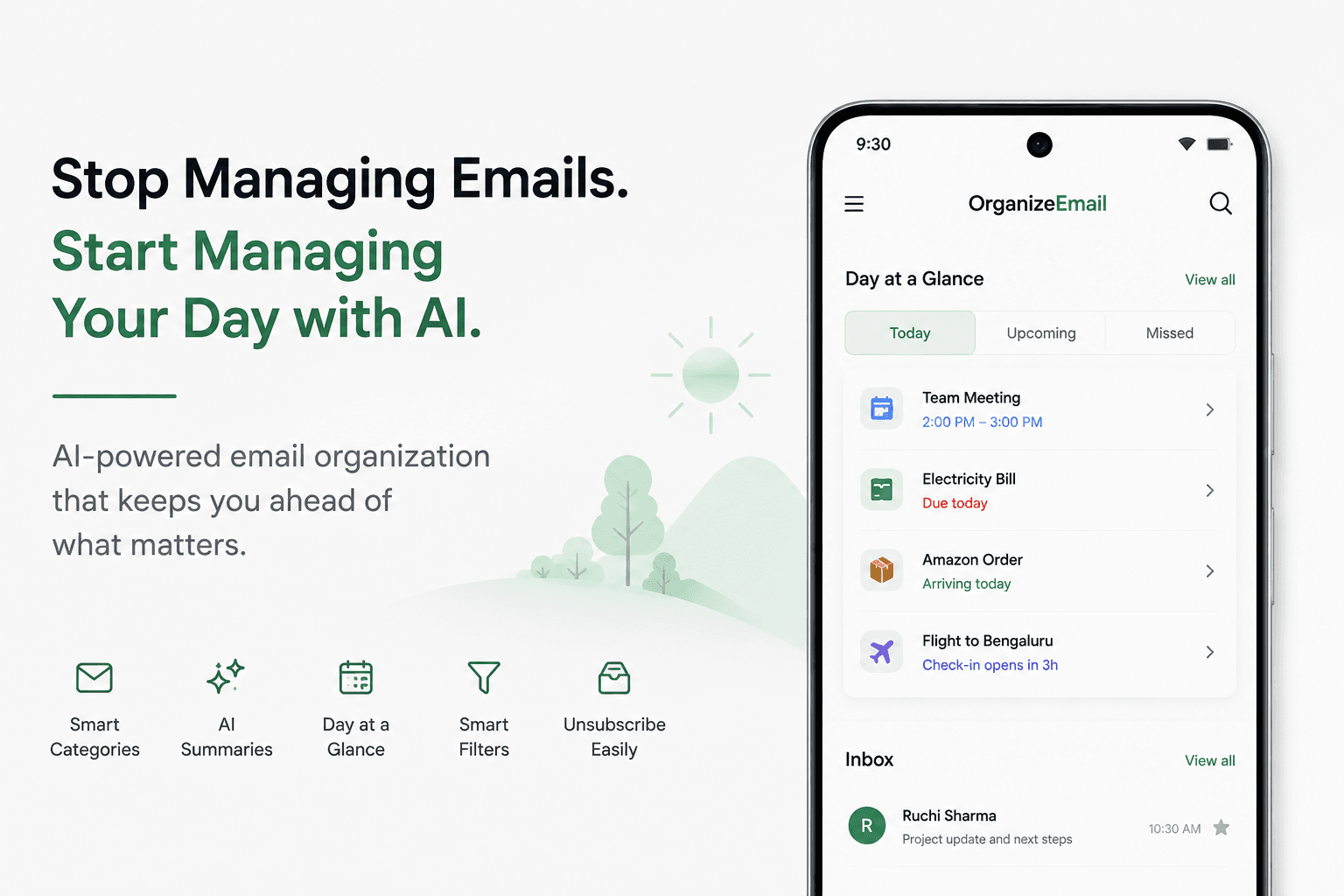
Stop Managing Emails. Start Managing Your Day with AI

OrganizeEmail uses AI to understand your inbox, organize important information, and surface what actually deserves your attention. With Day at a Glance, your daily overview is created automatically—no searching, no scrolling, no guessing.

Read article →

Opinion·

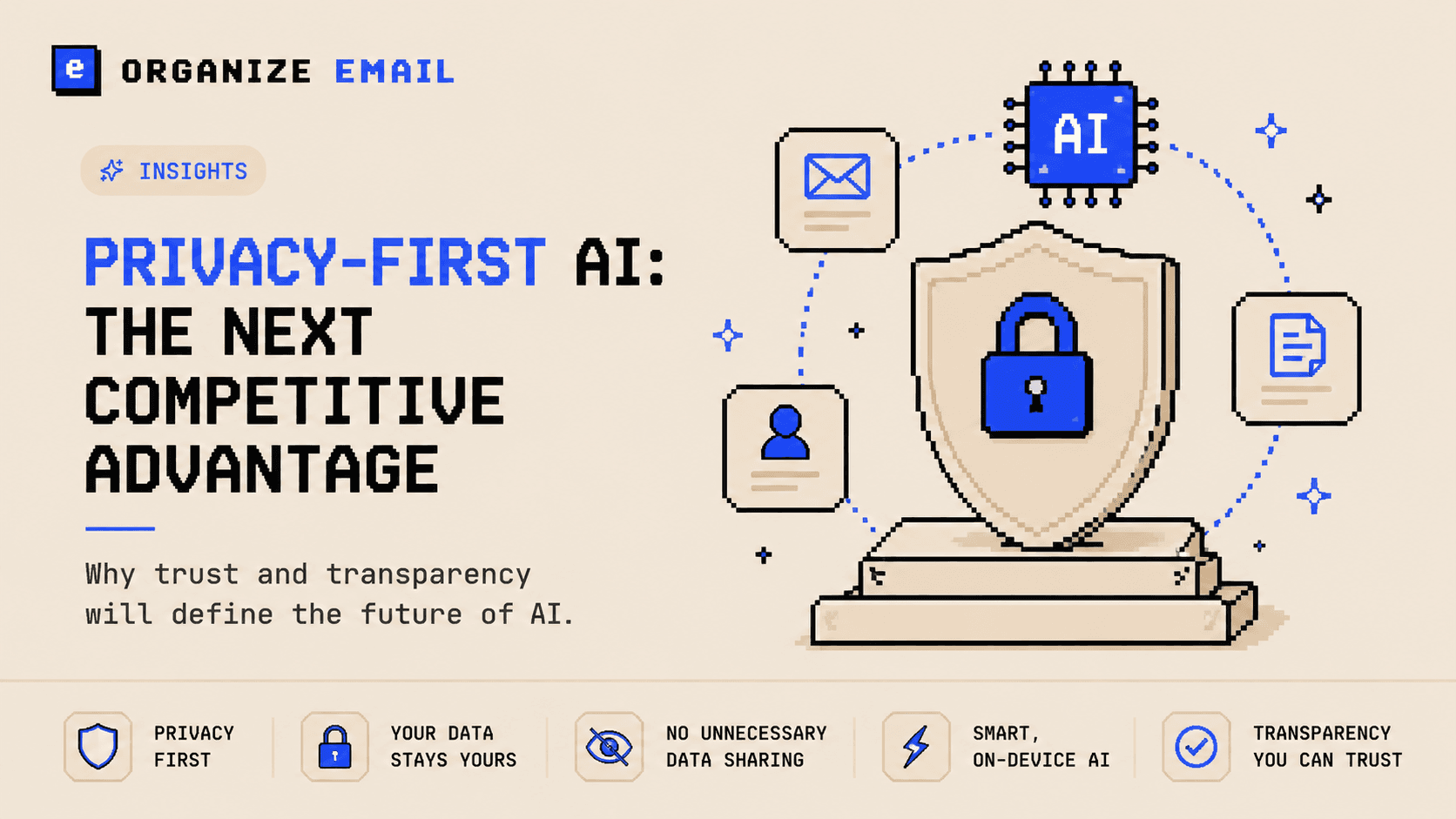
Privacy-First AI: The Next Competitive Advantage

As AI becomes part of everyday software, privacy is turning from a nice-to-have into a real product differentiator. The next generation of AI products will compete on trust as much as intelligence.

Read article →