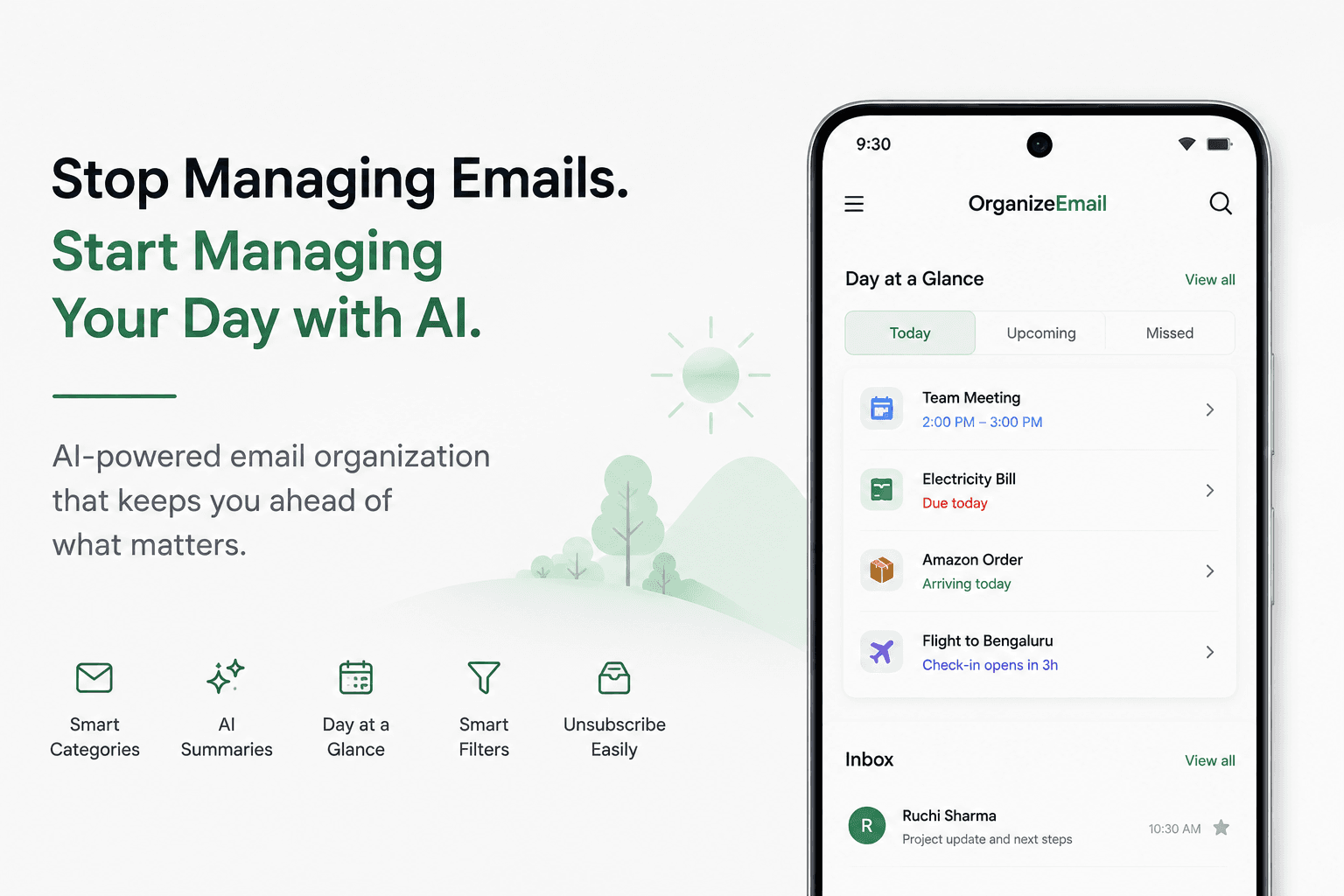
Email remains one of the most important communication tools in our personal and professional lives. Yet, despite advances in technology, many people still struggle with overflowing inboxes, missed messages, and endless promotional emails.
If you've ever opened your inbox and felt overwhelmed by thousands of unread emails, you're not alone. The good news is that modern email organizer apps can help transform a chaotic inbox into a streamlined productivity tool.
In this guide, we'll explore what makes a great email organizer and why OrganizeEmail is one of the best email organizer apps for Android in 2026.
Why Email Organization Matters More Than Ever
The average user receives dozens, if not hundreds, of emails every week. These emails come from various sources:
- Work communications
- Online shopping
- Banking and finance
- Travel bookings
- Social media notifications
- Newsletters
- Promotional campaigns
Without proper organization, important messages often get buried under less important content.
A cluttered inbox can lead to:
- Missed deadlines
- Reduced productivity
- Increased stress
- Difficulty finding important information
- Wasted time searching through emails
This is where email organizer apps make a significant difference.
What Makes a Great Email Organizer App?
Not all email apps are created equal. The best email organizer app should offer more than just sending and receiving emails.
Here are the features that matter most in 2026:
Smart Email Categorization
Instead of forcing users to manually create folders and rules, modern email organizers automatically sort emails into meaningful categories.
Examples include:
- Finance
- Shopping
- Travel
- Promotions
- Social
- Personal
- Work
This allows users to focus on what matters most without constantly cleaning their inbox.
Multi-Account Support
Most people use multiple email accounts today.
A great email organizer should support:
- Gmail
- Outlook
- Yahoo Mail
- IMAP accounts
Managing all accounts from one place saves time and reduces complexity.
Fast Search and Filtering
Finding a specific email should take seconds, not minutes.
Advanced search and filtering tools help users quickly locate important messages regardless of how large their inbox becomes.
Privacy and Security
Email contains sensitive information. Any email organizer should prioritize:
- Secure authentication
- Encrypted communication
- Transparent privacy practices
Clean and Distraction-Free Interface
A cluttered email app only adds to inbox stress. Modern apps should provide a simple and intuitive experience that helps users focus on important tasks.
Best Email Organizer Apps for Android in 2026
1. OrganizeEmail
Best For: Automatic Email Categorization and Inbox Management
OrganizeEmail was built specifically to solve one of the biggest problems users face today: email overload.
Instead of requiring users to manually organize thousands of emails, OrganizeEmail automatically categorizes messages into intelligent groups.
Key features include:
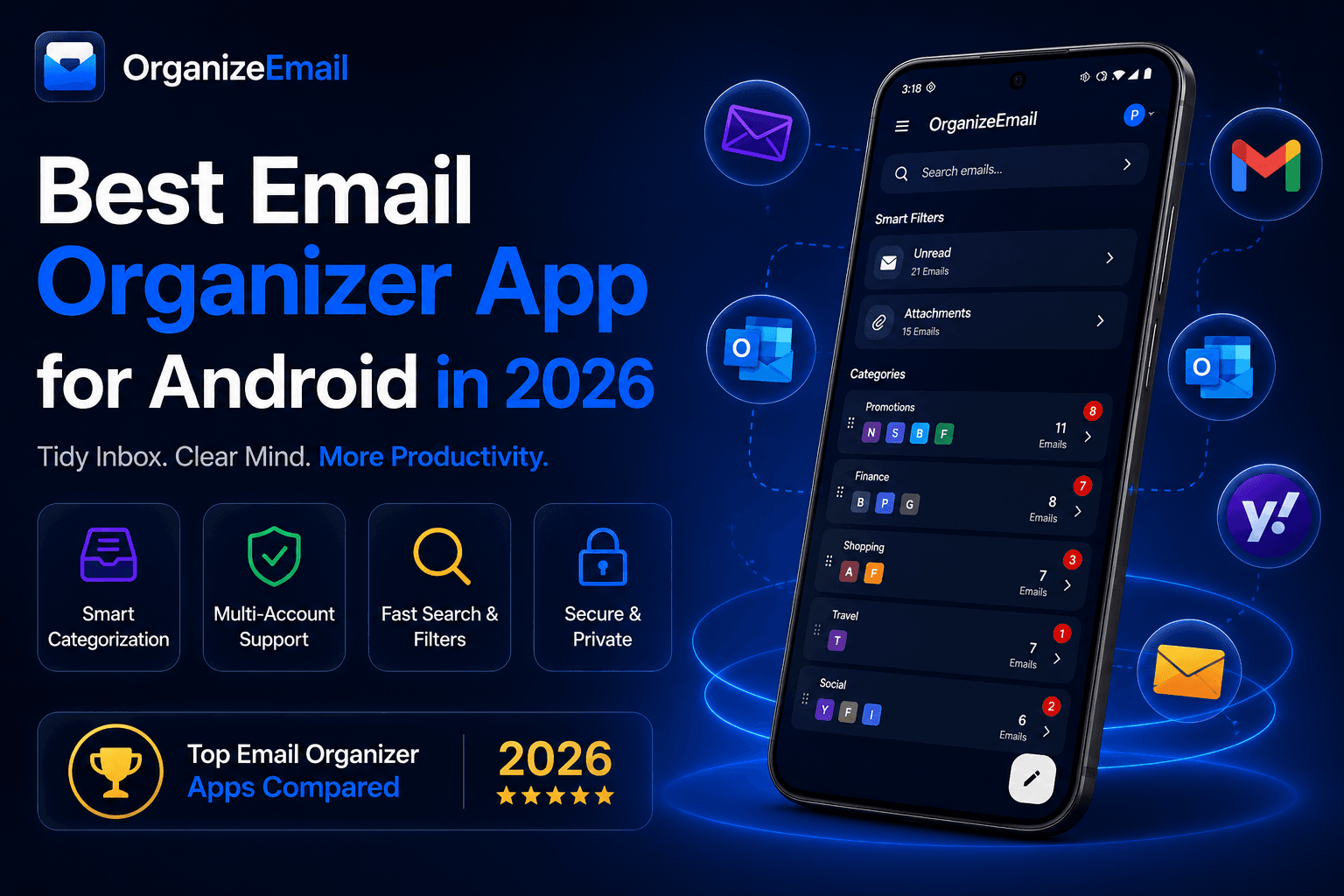
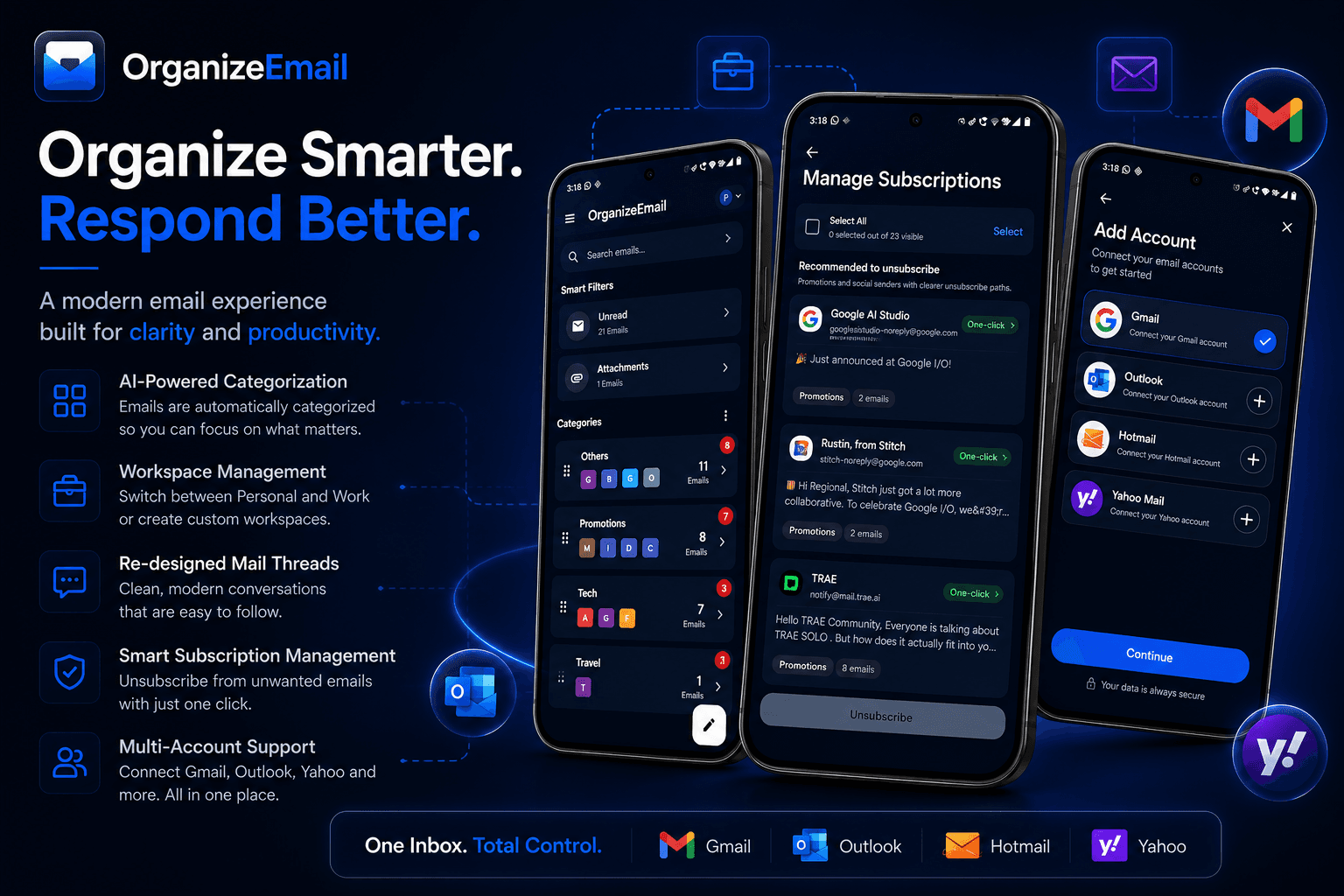
- Smart email categorization
- Multiple account management
- Unified inbox experience
- Clean modern interface
- Fast performance
- Privacy-focused design
- Category-based browsing
Whether you're managing work emails, financial statements, shopping receipts, or travel confirmations, OrganizeEmail helps keep everything organized automatically.
For users looking for a cleaner inbox without spending hours creating folders and filters, OrganizeEmail offers one of the most practical solutions available on Android.
2. Gmail
Best For: Google Ecosystem Users
Gmail remains one of the most popular email apps worldwide. Its tab-based system helps separate Primary, Promotions, and Social emails.
Pros:
- Reliable performance
- Excellent spam filtering
- Google integration
Cons:
- Limited customization
- Basic categorization compared to dedicated organizers
3. Microsoft Outlook
Best For: Business and Office Users
Outlook offers strong integration with Microsoft 365 services and provides a Focused Inbox feature.
Pros:
- Office integration
- Calendar support
- Enterprise features
Cons:
- Can feel complex for casual users
4. Spark
Best For: Team Collaboration
Spark focuses on collaborative email management and productivity tools.
Pros:
- Shared drafts
- Team features
- Smart Inbox
Cons:
- Some advanced features require subscriptions
5. Edison Mail
Best For: Power Users
Edison Mail provides useful automation and package tracking features.
Pros:
- Smart notifications
- Package tracking
- Subscription management
Cons:
- Interface may feel overwhelming for some users
Why OrganizeEmail Stands Out
Most email applications focus on delivering emails.
OrganizeEmail focuses on organizing them.
This distinction matters because inbox overload isn't caused by receiving emails—it's caused by struggling to manage them.
OrganizeEmail helps users:
- Instantly identify important messages
- Separate promotional emails from personal emails
- Manage multiple accounts efficiently
- Reduce inbox clutter
- Spend less time searching for emails
Rather than forcing users to build complicated folder structures, OrganizeEmail automatically organizes content in a way that feels natural and intuitive.
Who Should Use OrganizeEmail?
OrganizeEmail is ideal for:
- Professionals
Manage work-related emails without losing important conversations.
- Students
Keep academic communications separate from newsletters and promotions.
- Frequent Shoppers
Automatically organize receipts, order confirmations, and delivery updates.
- Travelers
Quickly find flight confirmations, hotel bookings, and travel documents.
- Anyone With Email Overload
If your inbox contains thousands of unread emails, OrganizeEmail can help bring structure back to your digital life.
Final Thoughts
Email isn't going away anytime soon. As inboxes continue to grow, having the right email organizer becomes increasingly important.
While Gmail, Outlook, Spark, and Edison Mail all offer valuable features, OrganizeEmail takes a different approach by focusing on automatic organization and inbox clarity.
For Android users looking to spend less time managing email and more time getting things done, OrganizeEmail is one of the best email organizer apps to try in 2026.
A cleaner inbox isn't just about organization—it's about reclaiming your time and attention.
 Product