 Review
May 28, 2026Vivek Kumar
Best Email Organizer App for Android in 2026
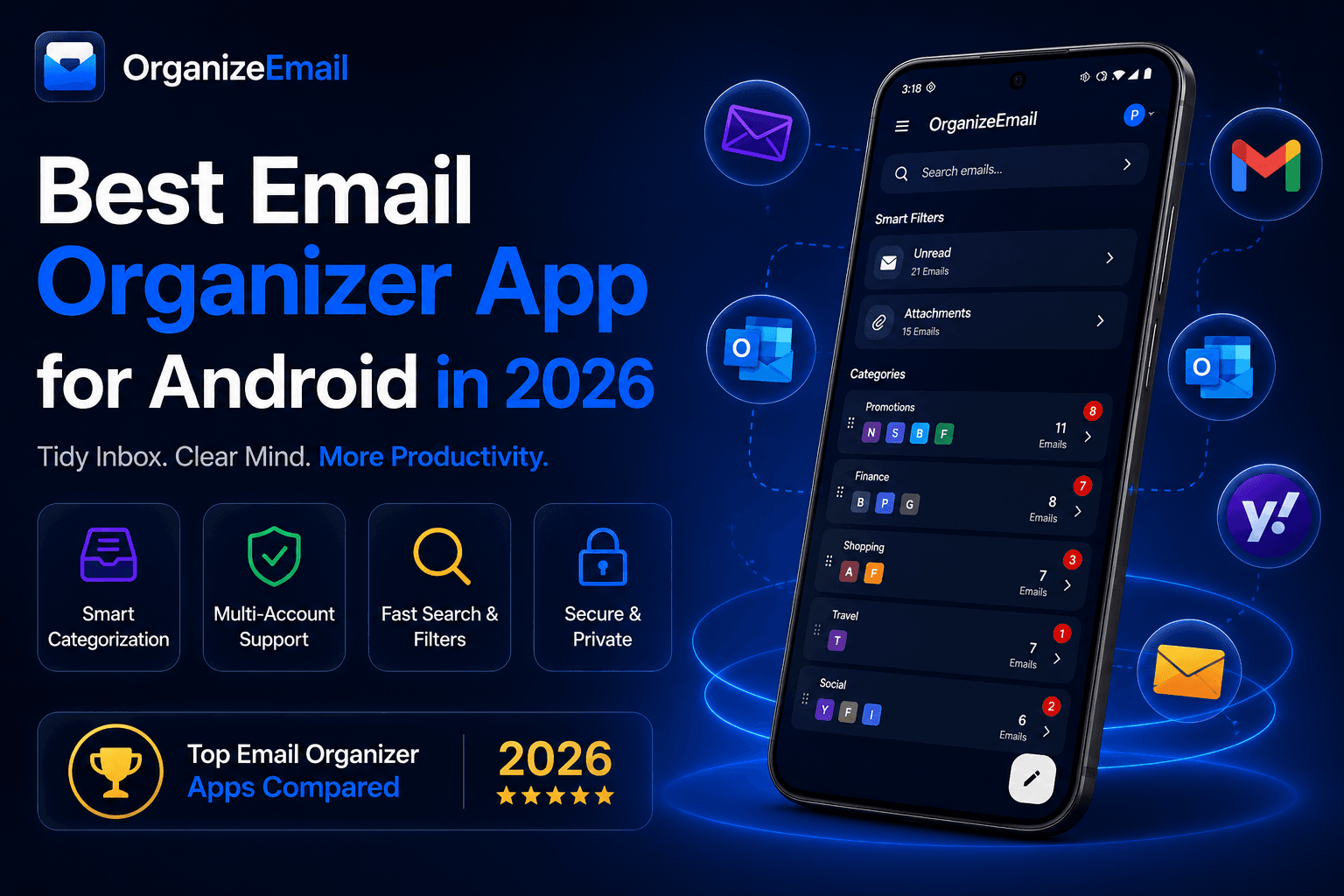
Discover what makes a great email organizer and why OrganizeEmail is one of the best email organizer apps for Android in 2026.
Email has become one of the most important communication tools in our lives, yet most inboxes still feel cluttered, outdated, and overwhelming.
That is where OrganizeEmail comes in.
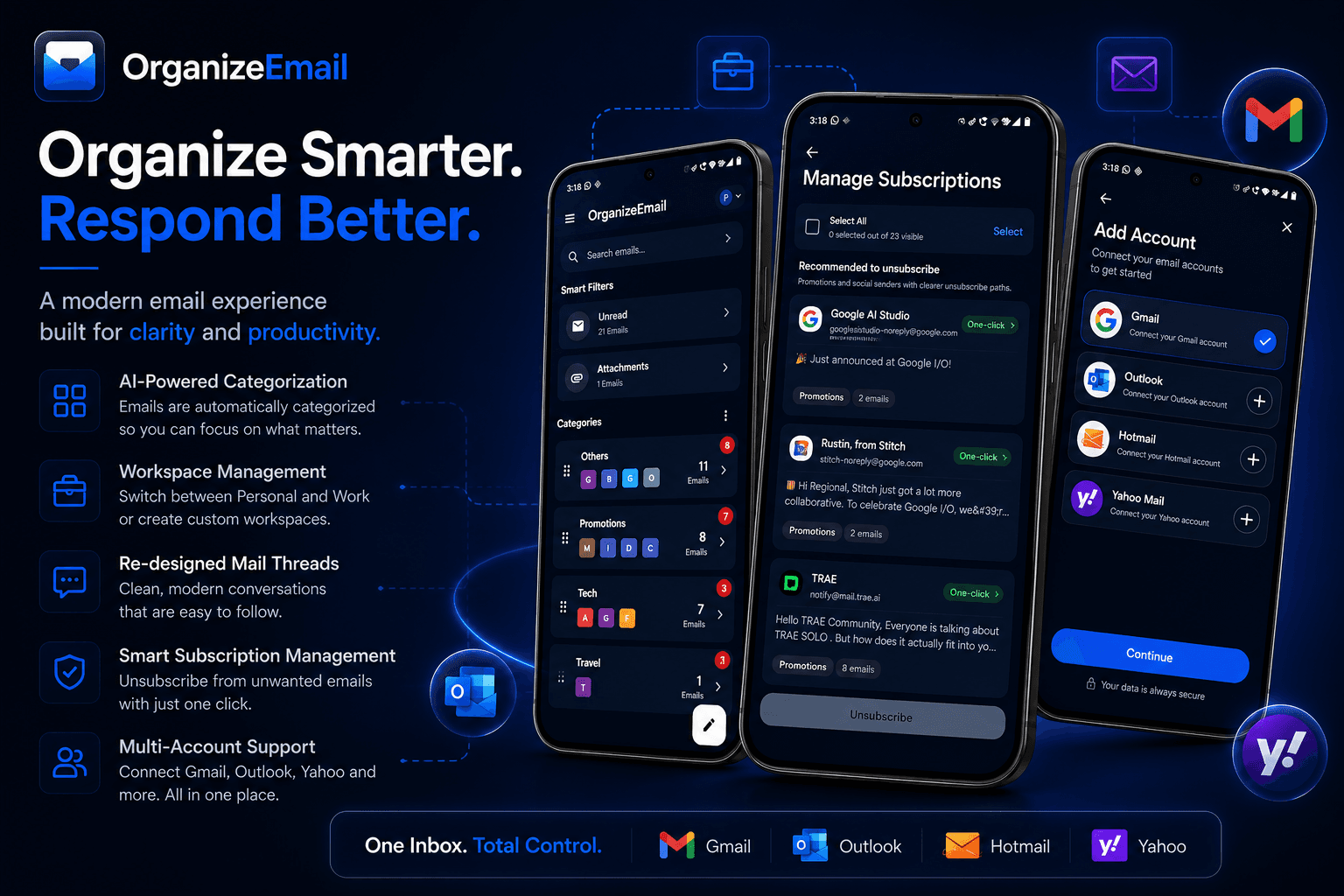
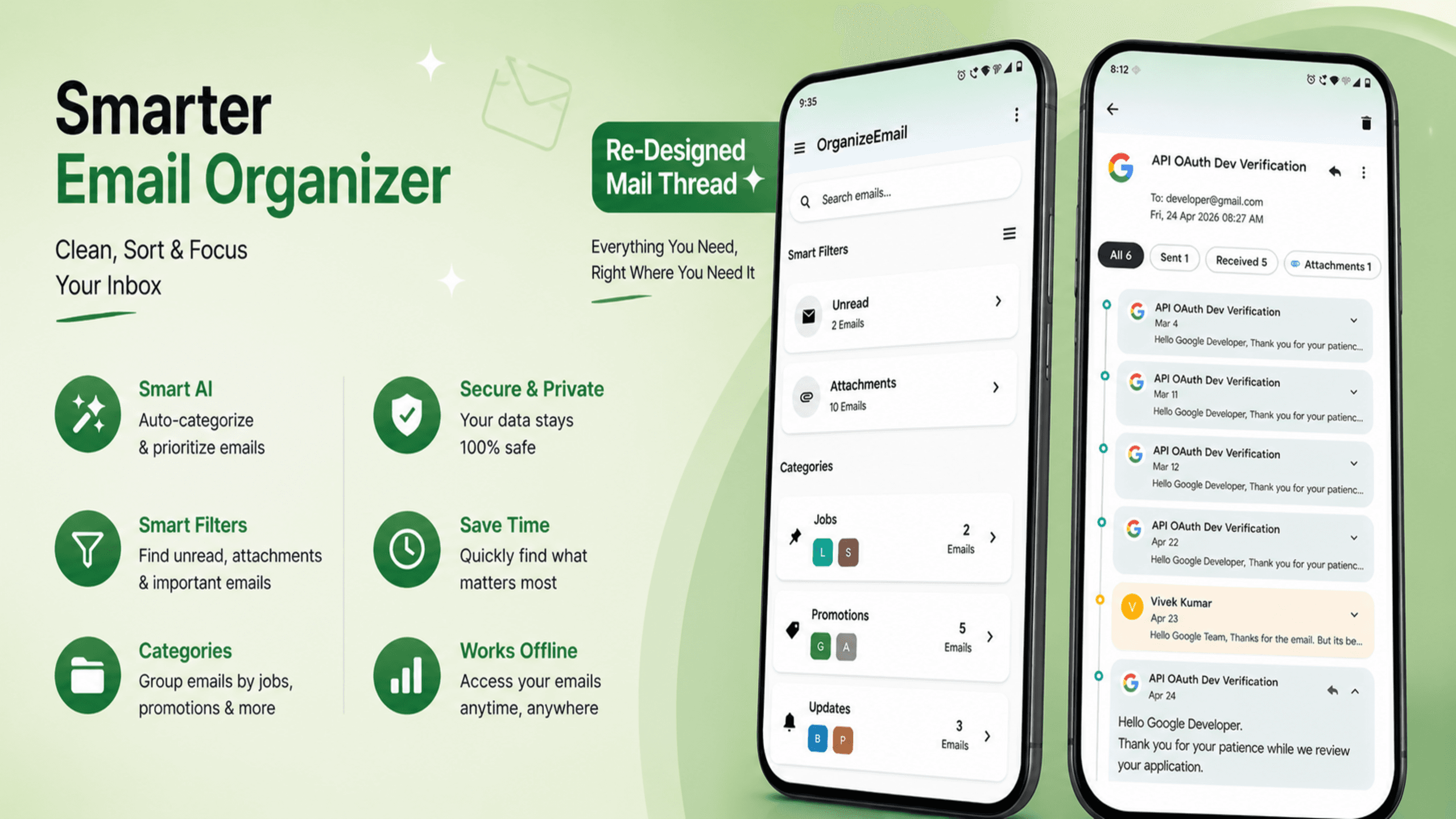
OrganizeEmail is a modern Android email experience focused on clarity, productivity, and organization. Instead of forcing users to manually manage inbox chaos, OrganizeEmail introduces a smarter and cleaner approach to handling emails through categorization, workspaces, redesigned threads, and intelligent inbox management.
The goal is simple: Turn inbox clutter into focused communication.
Traditional email apps usually organize emails into a single endless list. Important conversations, newsletters, subscriptions, promotions, and work emails all compete for attention in the same space.
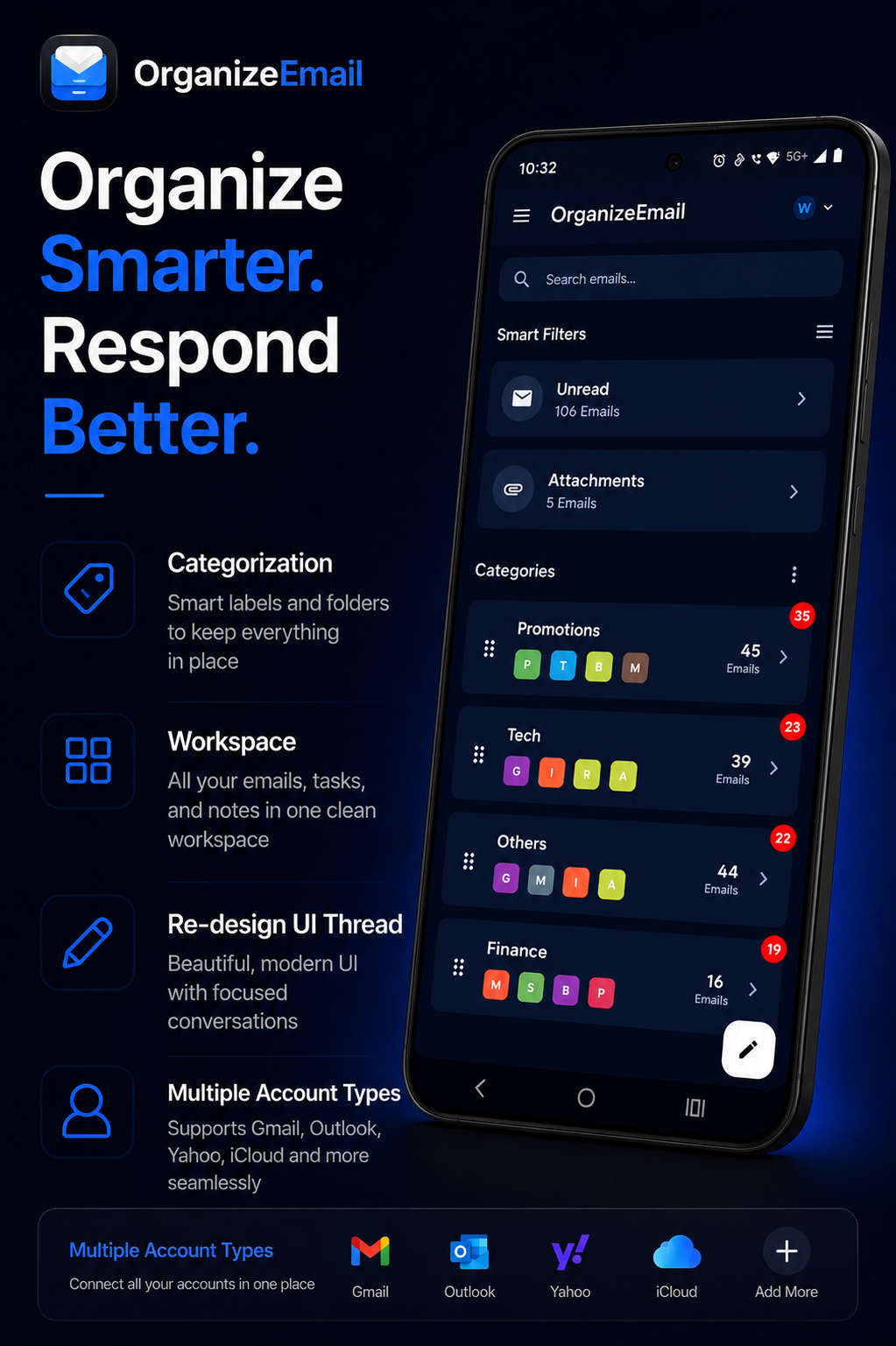
OrganizeEmail changes this by introducing smart categorization.
Emails are automatically grouped into meaningful categories, helping users instantly focus on what matters most.
Categories may include:
This allows users to:
Instead of scrolling endlessly, users can navigate through a structured inbox experience designed around clarity and focus.
One of the biggest problems with traditional email clients is mixing everything together.
Work emails and personal emails often overlap, creating distractions and reducing productivity.
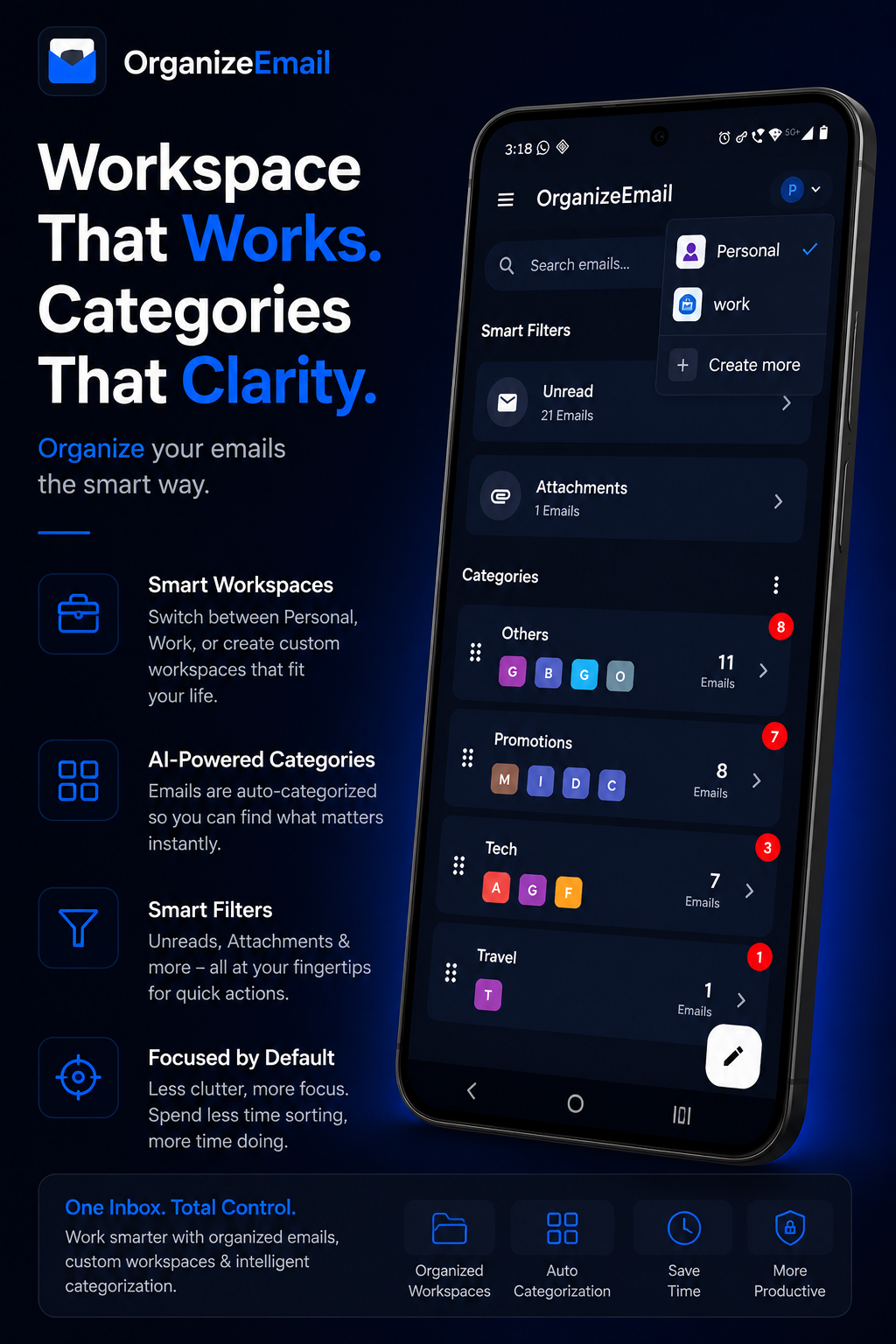
OrganizeEmail introduces dedicated Workspaces.
Users can create separate workspaces for:
Each workspace can contain:
This creates a focused environment where users can switch contexts instantly without feeling overwhelmed.
The workspace system transforms email from a messy inbox into a structured productivity tool.
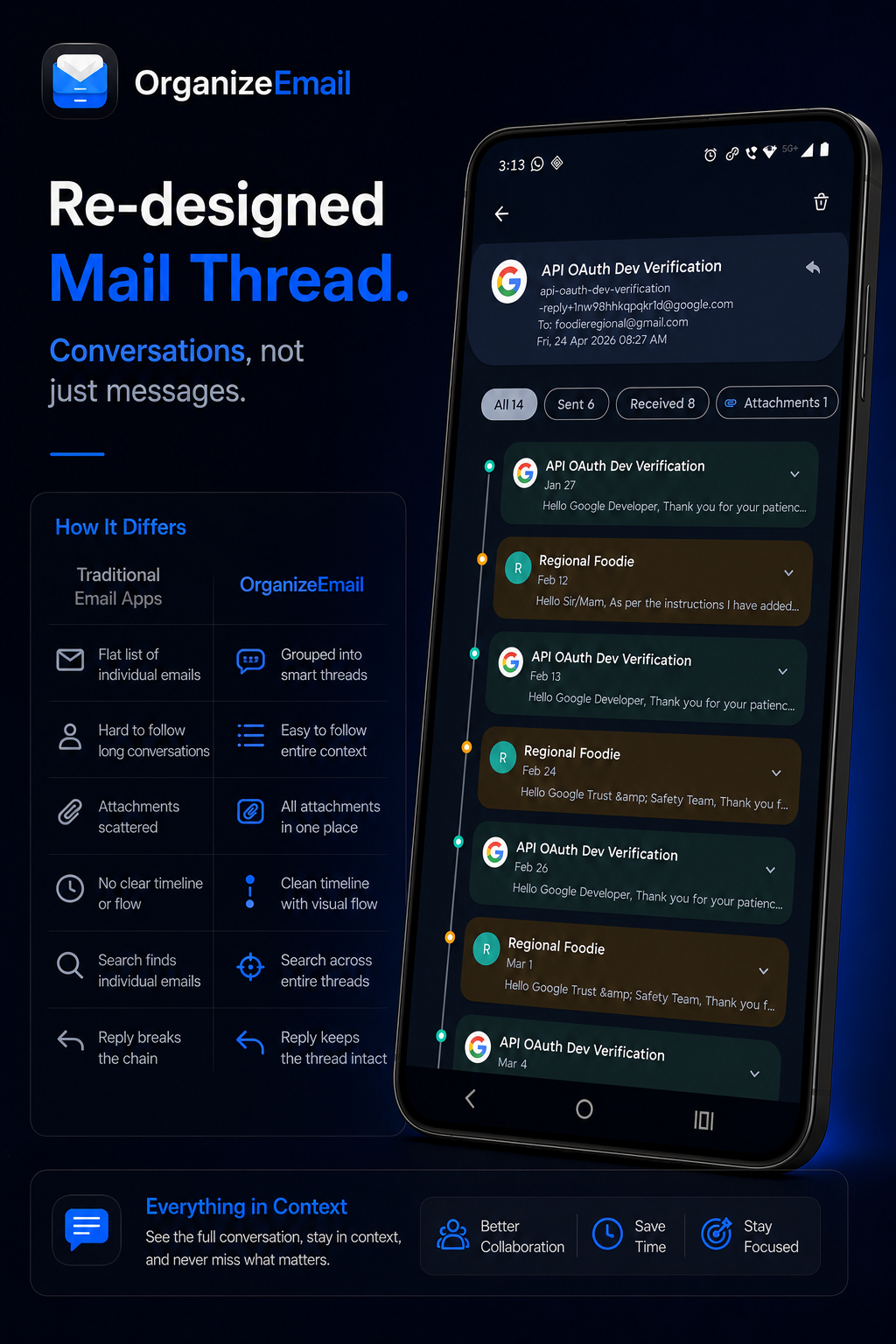
Most email apps still use old conversation layouts that prioritize raw email lists instead of readable communication.
OrganizeEmail redesigns the entire thread experience to feel modern and intuitive.
Key improvements include:
Instead of feeling like reading technical logs, conversations now feel more like modern messaging experiences while still preserving email functionality.
This dramatically improves usability for long conversations and professional communication.
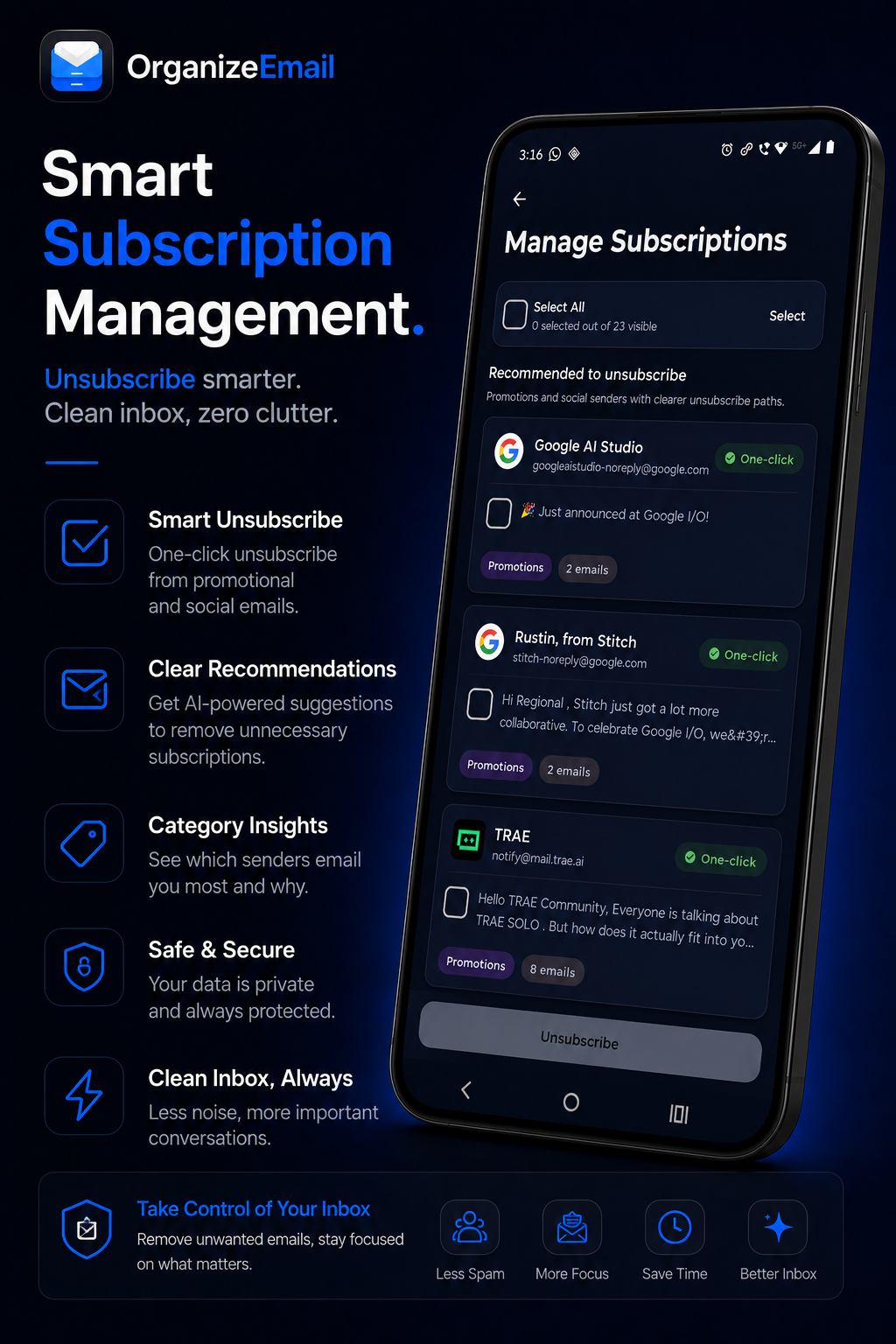
Subscriptions are one of the biggest reasons inboxes become overwhelming.
OrganizeEmail introduces smarter subscription handling that helps users regain control over unwanted emails.
Features include:
Rather than manually searching for unsubscribe buttons, users can manage subscriptions from a centralized experience.
This makes inbox maintenance significantly easier and helps users maintain a cleaner digital environment.
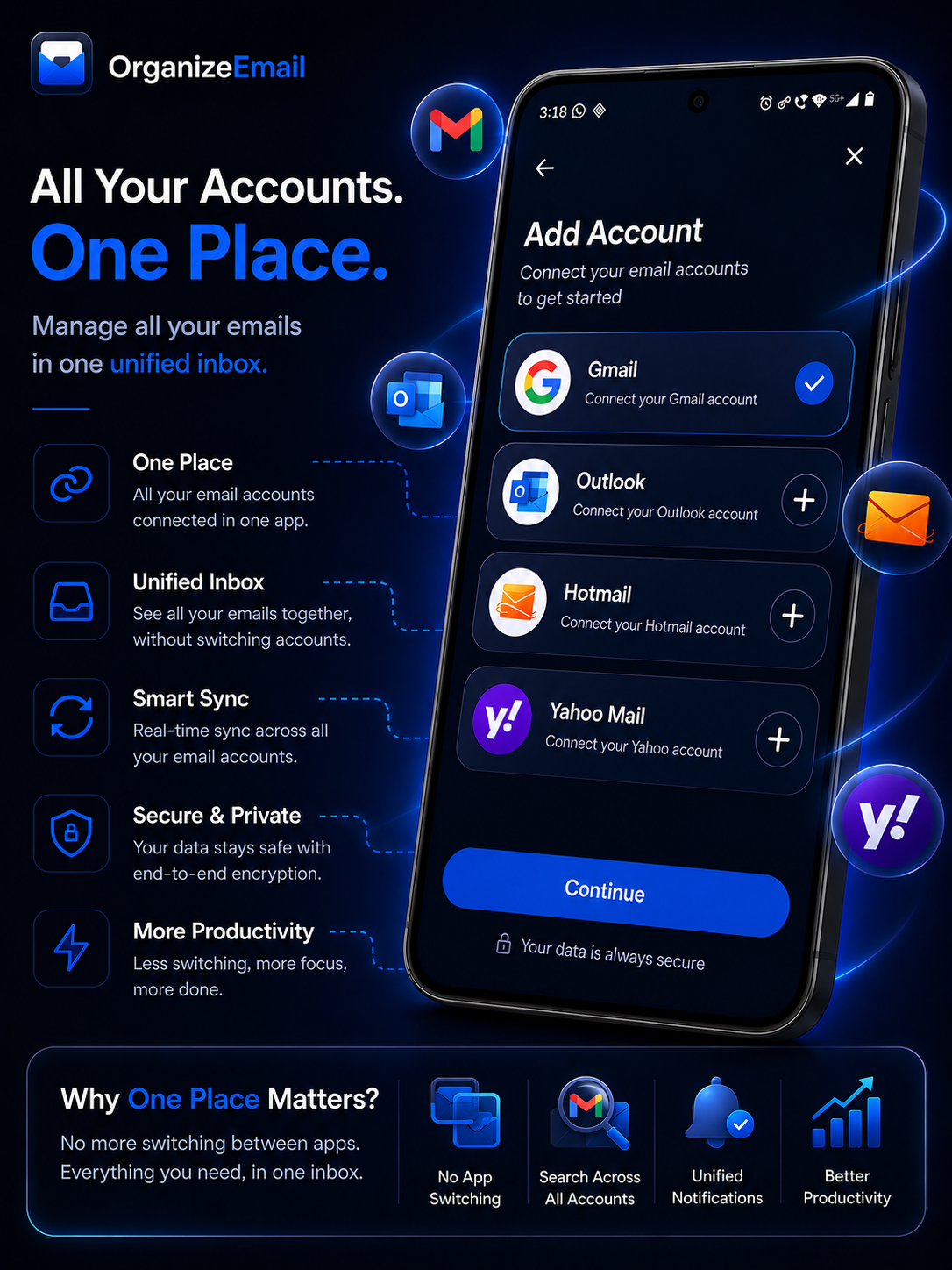
Modern users often manage multiple email accounts across different providers.
OrganizeEmail supports:
Instead of switching between apps, users can manage everything from a single organized experience.
The app is designed to make multi-account handling seamless while preserving workspace separation and categorization.
OrganizeEmail is not just another email client.
It is an attempt to modernize the entire email experience using:
Every design decision focuses on helping users spend less time organizing emails and more time focusing on meaningful work.
Email is still one of the most powerful communication systems in the world, but its user experience has remained mostly unchanged for years.
OrganizeEmail explores what a modern inbox could look like:
This is only the beginning.
The vision is to continue evolving OrganizeEmail into a complete communication productivity platform built around clarity, focus, and modern user experience.
Building OrganizeEmail has been a journey of redesigning how email should feel in 2026 and beyond.
From categorization and workspaces to redesigned threads and subscription management, every feature is built to reduce chaos and improve focus.
If you enjoy modern productivity tools, clean UI/UX, or innovative Android applications, OrganizeEmail is built for you.
Clean inbox. Better focus. OrganizeEmail.
Explore more OrganizeEmail articles.
ReviewDiscover what makes a great email organizer and why OrganizeEmail is one of the best email organizer apps for Android in 2026.
 Product
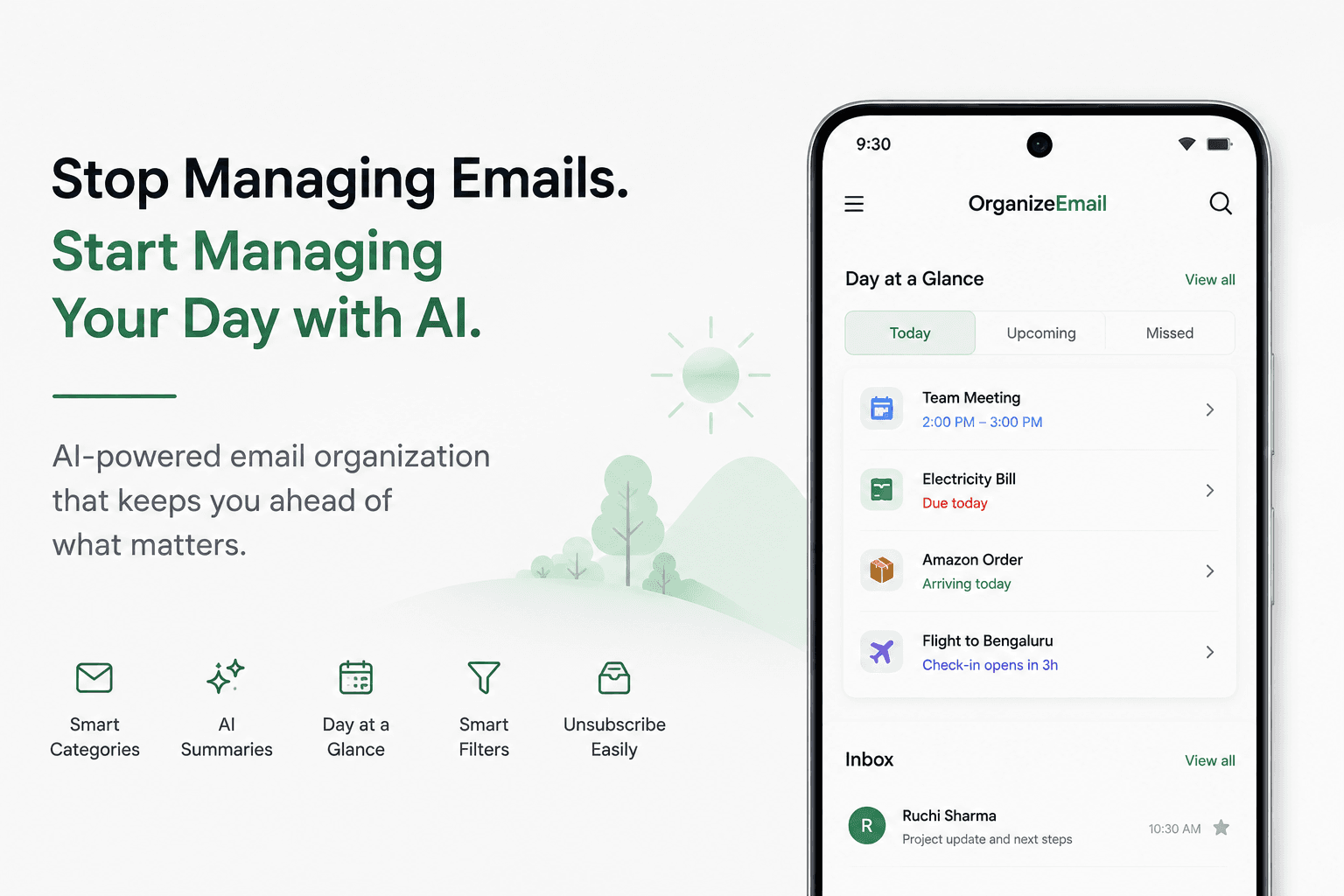
OrganizeEmail uses AI to understand your inbox, organize important information, and surface what actually deserves your attention. With Day at a Glance, your daily overview is created automatically—no searching, no scrolling, no guessing.
 Product
OrganizeEmail is the AI email app that auto-categorizes Gmail, Yahoo, and Outlook into Jobs, Tech, Social and more — with redesigned threads, mass unsubscribe, and a unified inbox. Take back your inbox today.
Join our newsletter to get the latest tips on productivity and inbox mastery.